
Table of Contents

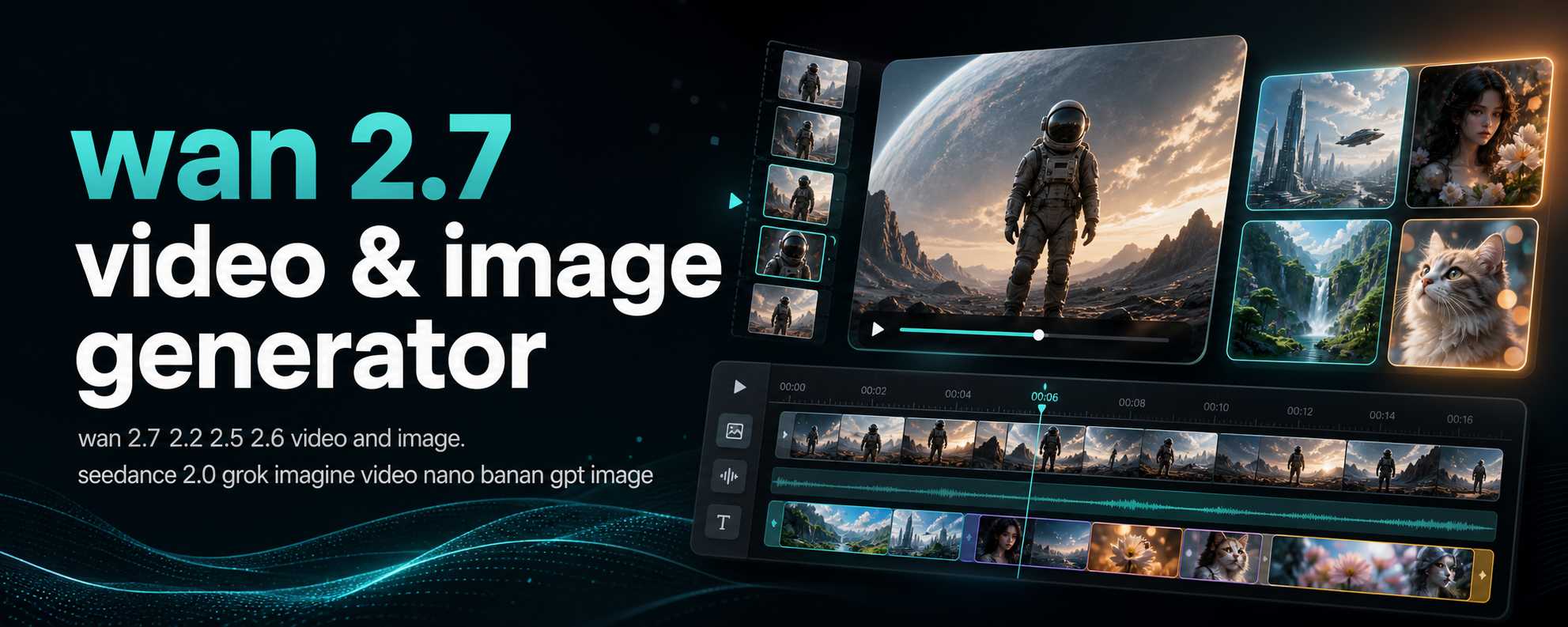
If the first clip is already close, video continuation is usually better than starting over.
That is the real reason people search terms like Wan 2.7 video continuation, Wan 2.7 video extension, extend video, or continue video.
They do not want a brand-new shot.
They want more of the same shot without breaking motion, style, or subject consistency.
As of May 6, 2026, the fastest rule is simple:
- use video continuation when the current clip is good and only needs to go further
- use video edit when the current clip is wrong and needs to change
- use first/last frame when you already know exactly where the shot should land
Quick Answer
In the current Wan 2.7 workflow, Wan 2.7 Image to Video is the mode to use when you want to continue an existing clip.
That matters because many search results split this feature into separate labels like:
- video continuation
- video extend
- clip continuation
- video extension
The intent is the same.
You already have usable footage. You want the next few seconds to feel like a clean continuation, not a reset.
On wan27.org, the same Wan 2.7 image-to-video lane is built for:
- first-frame generation
- first + last frame generation
- continuation from a source clip
The current workflow supports 720p or 1080p and 5s or 10s outputs, so the first decision is not “can Wan 2.7 do this?”
The real decision is when continuation is the right tool.
What Video Continuation Actually Solves
Video continuation works best when the first result already gets three things right:
- subject identity
- camera language
- scene tone
What is missing is time.
Maybe the action stops too early. Maybe the move needs one more beat. Maybe the shot should finish after the turn, after the glance, or after the object handoff.
That is where continuation wins.
Instead of throwing away a good clip, you extend the motion path forward.
This is why the user intent is different from a normal image-to-video search.
Searchers asking for video continuation are usually trying to solve one of these jobs:
- make a short clip long enough for the actual beat
- preserve the same shot while extending the action
- avoid rerolling a good take just to get a better ending
- create a smoother handoff into the next edit
Wan 2.7 Video Continuation vs Video Extension vs Video Edit
Different blogs use different names, but the practical split is clearer than the labels.
| If your real goal is... | Use this mode first | Why |
|---|---|---|
| Extend a good clip for a few more seconds | Wan 2.7 video continuation | Preserves the current motion direction better than restarting |
| Change outfit, background, style, or other shot details | Wan 2.7 video edit | You are changing the clip, not extending the same move |
| Control the exact opening and ending frame | Wan 2.7 first/last frame | Stronger endpoint control |
| Build motion from one still image | Wan 2.7 image-to-video | No source clip exists yet |
| Keep the same character across multiple new shots | Wan 2.7 reference-to-video | Better for identity consistency across scenes |
This is where many continuation attempts go wrong.
People choose continuation when they really want a different shot.
Then they blame the model for not jumping hard enough.
But continuation is supposed to respect the clip you gave it.
That is the point.
When Wan 2.7 Continuation Is the Best Choice
Use continuation when the clip already has the right foundation and you only want to carry it forward.
Good fits:
- a camera push that ends too soon
- a walk cycle that needs one more beat
- a product rotation that should finish the reveal
- a talking scene that needs a cleaner tail
- a transition shot that needs enough length for the edit
Bad fits:
- you want a new camera angle
- you want a different environment
- you want a different subject design
- you want the shot to end on a very specific final composition
If you want a specific final composition, switch to first/last frame.
If you want a material change to the current footage, switch to video edit.
If you want to preserve identity across a new scene, switch to reference-to-video.
How to Extend a Video on wan27.org
The shortest working path is:
- open Wan 2.7
- choose Wan 2.7 Image to Video
- upload the existing source clip as the continuation input
- write a prompt that describes the next motion, not the whole world again
- start with the shorter duration before committing to a longer run
That fourth point matters most.
The best continuation prompts do not rewrite the original shot from zero.
They describe:
- what continues
- what changes next
- how fast it changes
- how the camera behaves
The Prompt Formula That Usually Works
Use this pattern:
current shot state + next action + camera behavior + scene constraint + ending beat
Example:
The woman keeps walking forward at the same pace, then turns slightly to her left near the end. The handheld camera continues the same gentle forward push. Keep the same lighting, same outfit, and same background mood. End with a natural settling motion, not a hard stop.
That works better than a generic prompt like:
cinematic woman walking in a city street
Why?
Because continuation is not asking for a fresh concept.
It is asking for a next beat.
Three Practical Wan 2.7 Continuation Prompts
1. Product reveal continuation
Continue the same smooth rotating product shot for a few more seconds. The camera keeps the same premium studio angle while the device turns enough to reveal the side profile and back edge. Maintain the same reflective lighting and clean dark background. End with a slow, stable hold.
2. Character action continuation
Continue the same shot as the character finishes stepping forward, lifts one hand slightly, and looks toward the camera. Keep the same lens feel, same lighting direction, and same facial identity. Motion should stay natural and continuous, with no sudden scene change.
3. Social clip extension
Extend the existing clip with one more energetic beat. Keep the same framing and pacing while the subject completes the gesture and settles into a confident end pose. Preserve background colors, motion rhythm, and overall style. Finish cleanly for a short-form video cut.
If the output starts drifting, reduce the number of changes in the prompt.
Continuation works better when the request is narrow.
The Biggest Mistakes That Break Continuity
Mistake 1: Asking for a new shot
If your prompt suddenly asks for a drone view, a new room, or a hard costume change, the continuation job becomes unstable.
The model is trying to respect the source clip and obey a conflicting request at the same time.
Pick one.
Mistake 2: Describing appearance instead of motion
For continuation, appearance is mostly already established by the source clip.
The prompt should focus on:
- motion
- timing
- camera
- what the shot resolves into
Mistake 3: Extending too long too early
If the main question is “does this continuation direction work?”, start shorter.
It is usually faster to validate the motion path first and then upscale the ambition.
Mistake 4: Using continuation when you really need endpoint control
If you already know the exact final frame, first/last frame is usually the cleaner choice.
That is what this dedicated guide is for.
Mistake 5: Ignoring artifacts that were already in the source clip
Continuation can carry forward strengths.
It can also carry forward weaknesses.
If the source clip already has flicker, identity drift, or unstable motion, fix that first or tighten the next prompt. Our Wan 2.7 negative prompts guide can help reduce repeat mistakes.
How This Keyword Fits Current Search Intent
The front-page competition around this topic is not really centered on theory.
It is centered on workflow intent:
- can Wan 2.7 extend an existing clip?
- what mode should I choose?
- how do I keep the same style and motion?
- how is continuation different from editing?
That is why this page focuses on practical mode choice.
Searchers looking for video extension are usually much closer to execution than people searching broad terms like “what is Wan AI.”
They already have footage or at least a clear workflow problem.
That makes the intent strong.
Should You Use 720p or 1080p First?
If you are still validating the motion direction, start with the lighter pass.
Use 1080p when the continuation logic is already working and you are closer to final output.
Use 720p first when you are still testing:
- whether the beat should continue at all
- how long the continuation should run
- whether the current prompt causes drift
The expensive mistake is not the wrong resolution.
It is extending the wrong motion idea at a higher cost.
If your main question is cost rather than workflow, use the dedicated Wan 2.7 pricing guide next.
FAQ
Is Wan 2.7 video continuation the same as video extension?
In most search results, yes. Different sites use different labels, but the user intent is usually the same: extend a working clip without restarting the whole shot.
Is continuation better than video edit?
Only when the clip is already good and just needs more time. If you need to change what is inside the shot, video edit is the better first move.
Is continuation better than first/last frame?
Not always. If you need a specific destination frame, first/last frame gives you stronger endpoint control. Continuation is better when the existing motion is already doing most of the work.
Can I continue a clip more than once?
You can, but every extension compounds the previous result. That means weak motion or artifacts can stack. Validate each step before chaining too far.
What if I need stronger character consistency across new scenes?
That is where reference-to-video becomes more useful than simple continuation.
Bottom Line
If the current clip is already close, continuation is the fastest path to a usable result.
Do not reroll a good shot just because it stops too early.
Use Wan 2.7 Image to Video on Wan 2.7 when you want to extend the same shot, keep the same motion language, and finish the beat cleanly.
If your real problem is different, take the shorter path instead:
- for a new ending frame: first/last frame
- for changing existing footage: video edit
- for starting from a still: image-to-video
That mode choice is usually more important than any single prompt tweak.